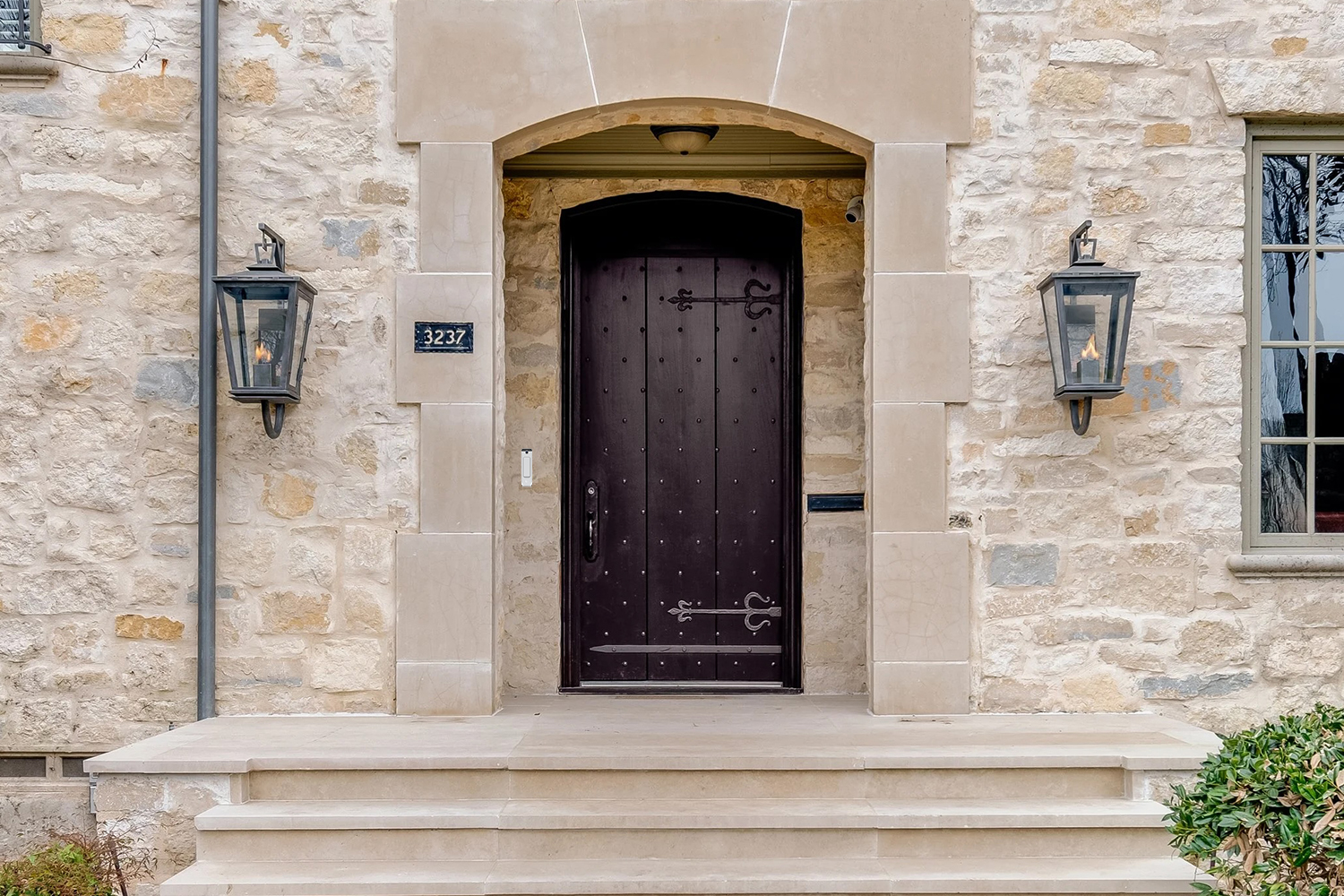
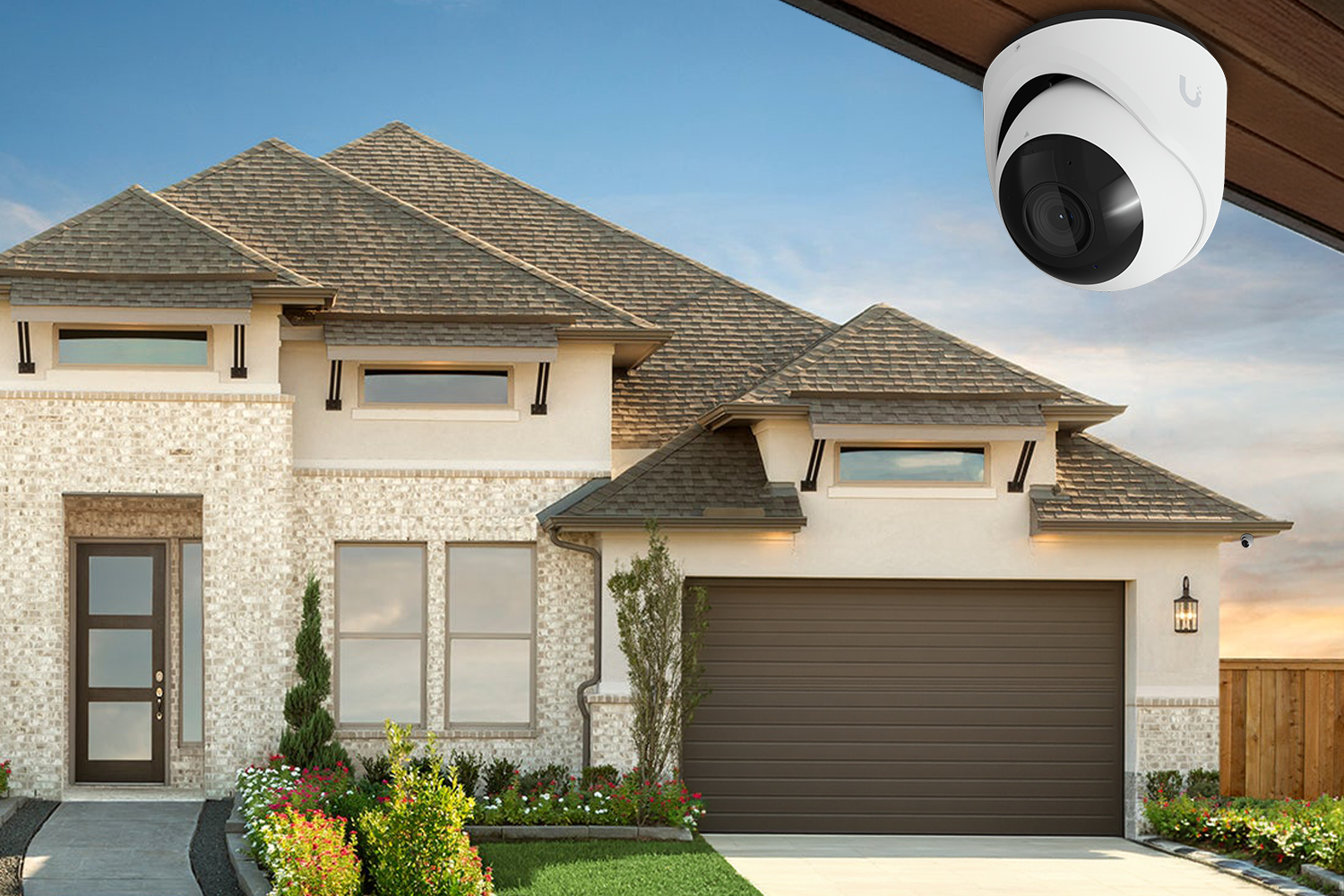
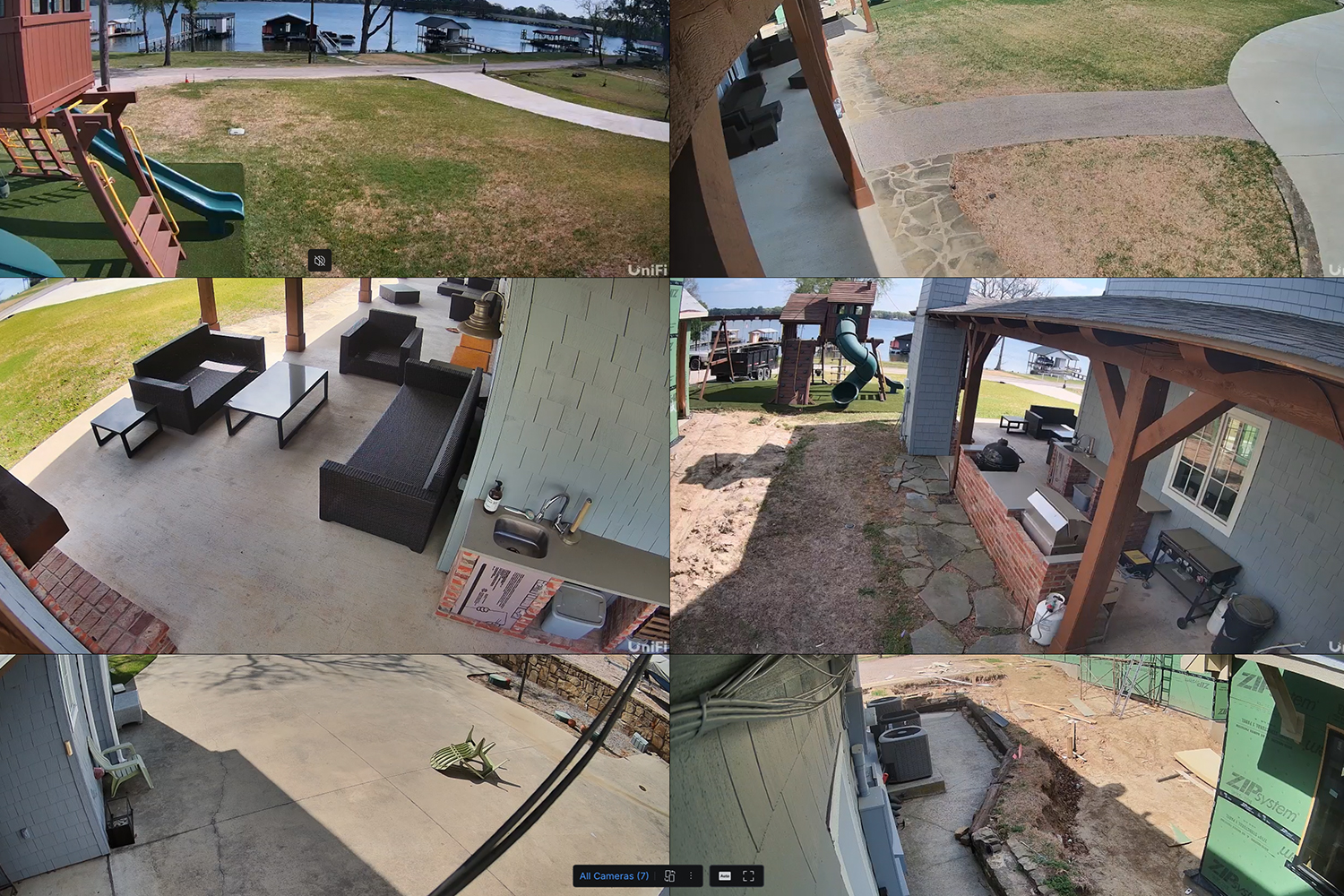
Sharp, clear video so you can see faces, cars, and activity around
your property — day or night.
Crystal Clear 4K Video
Ultra-high resolution footage that lets you zoom in on faces, license plates, and details — day or night.
Zero Monthly Fees
No subscriptions, no cloud fees, no hidden costs. Pay once for hardware and you own it forever.
On-Device AI Detection
Smart person, vehicle, and animal detection happens on the camera itself — instant alerts, no cloud lag.
Advanced Night Vision
IR LEDs with up to 50m range deliver full-color or infrared night vision in complete darkness.
Private & Local Storage
All footage stays on your property. No cloud uploads, no third-party access — your data is yours.
Built for Any Weather
IP65/IP67 rated weatherproof cameras designed to perform in rain, heat, cold, and dust.
Featured cameras
Three we install in almost every home.
All three run on the UniFi Protect platform — same app, same recorder,
same local storage. Mix and match with the rest of your system.
Starter bundle
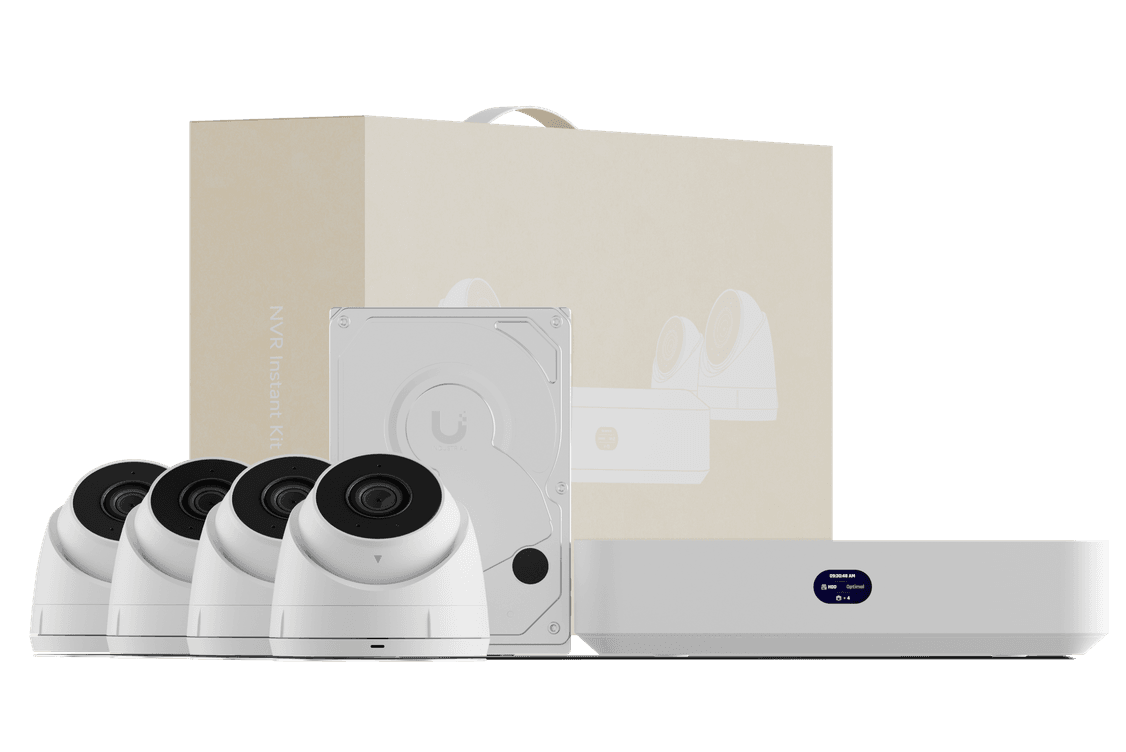
Whole-home camera kit. Installed by our team.
Four UniFi 2K cameras, a compact UNVR Instant recorder
with 1 TB on board, and all the cabling and
accessories — installed and configured for the way
your house actually lays out. Honest pricing, no monthly
fees.
4× 2K turret cameras, IP66 weatherproof
UNVR Instant recorder with built‑in PoE
Professionally installed and tuned
From $1,899installed
Includes installation in DFW · 1‑year support · no subscription
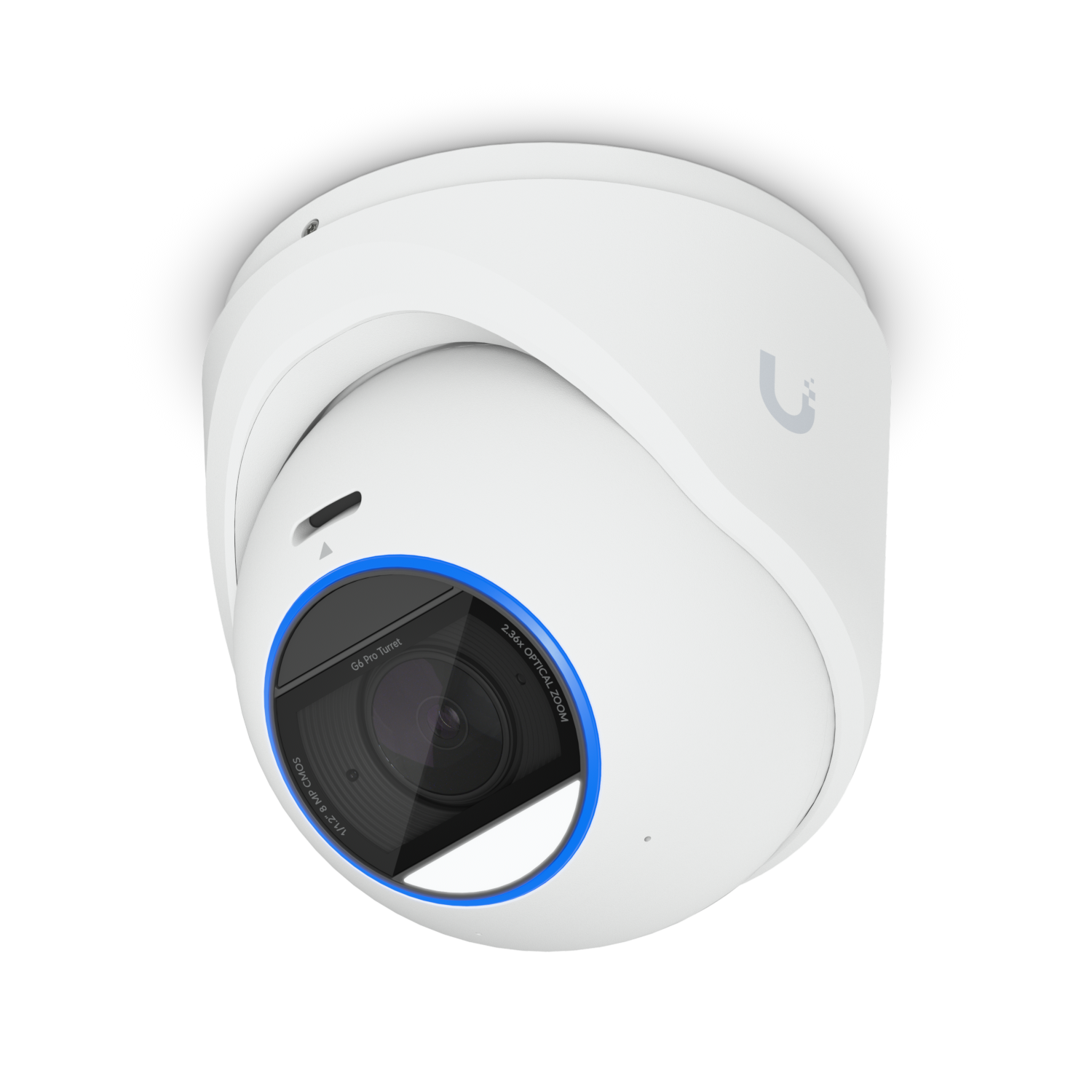
A tamper-resistant 4K turret with a Multi-TOPS AI engine on
board. The 1/1.2″ CMOS sensor pulls clean detail in low
light, and 2.36x optical zoom lets you read plates without
rebuilding the system.
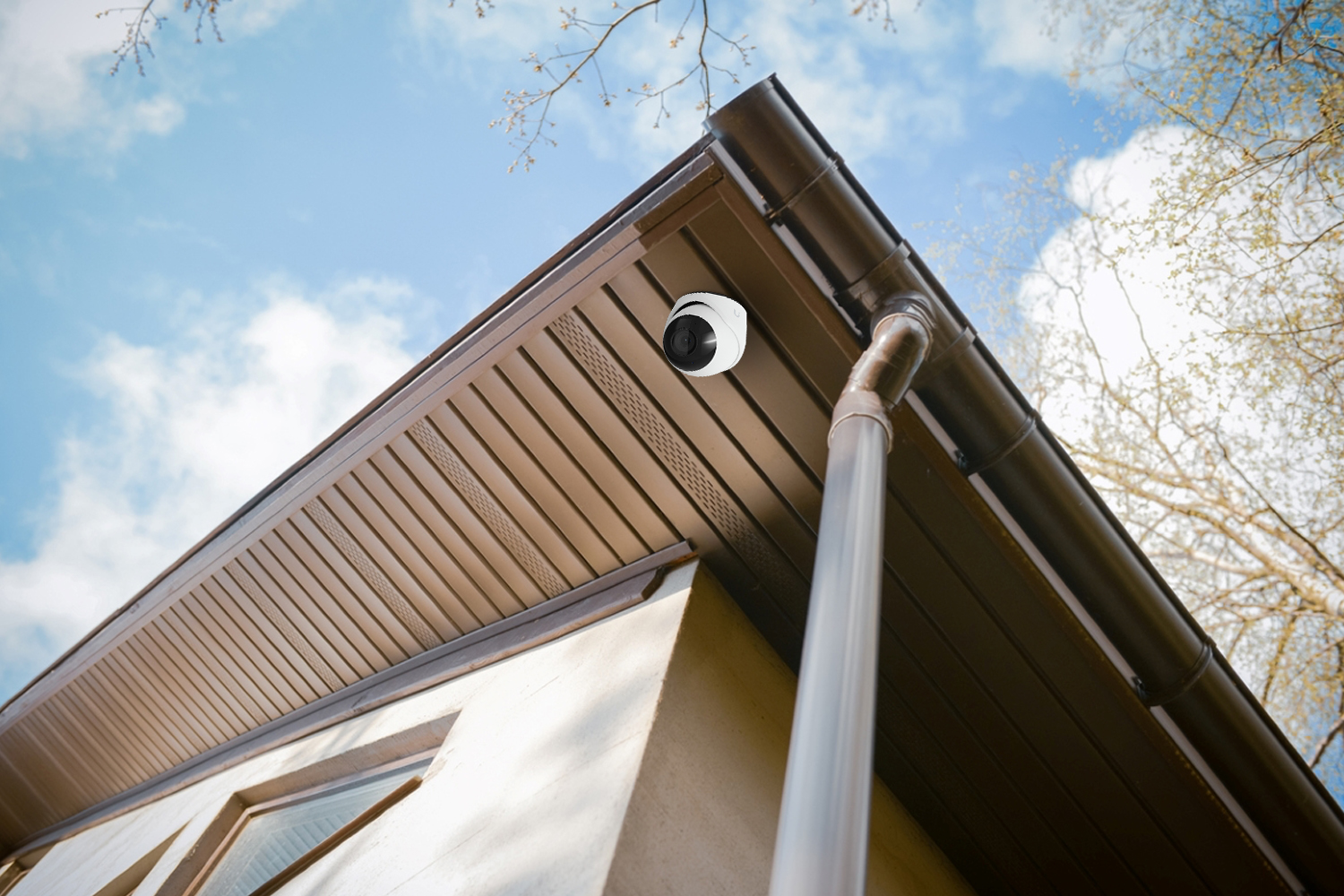
The G6 Pro Turret is built for fully exposed outdoor placement — soffit edges, eaves, garage corners, exterior walls. The turret shape gives a wide adjustable pivot, so we can aim it precisely without a clunky external bracket. For interior coverage of large rooms (great rooms, foyers), it works just as well.
Does it work without a UniFi NVR?
No — like every UniFi Protect camera, it records to a UniFi recorder (a Cloud Key, Dream Machine Pro, or Network Video Recorder). We size and install the right recorder as part of the system, so footage stays local on your property and you own it outright. No monthly fee.
What’s the difference between the Pro Turret and the small indoor G6 cameras?
Two different jobs. The compact indoor WiFi G6 is a small camera for indoor and sheltered spots — quick to deploy, plug-and-play, WiFi-only. The Pro Turret is a hardened exterior PoE camera: a much larger 1/1.2″ sensor, 2.36x optical zoom, full IP66 / IK04 ratings, 131 ft IR range, and on-board AI for license plate and face recognition. Pro Turret for the perimeter; the smaller WiFi G6 for the inside.
How does it perform at night?
Very well. The 1/1.2″ sensor is one of the largest in any residential PoE camera — that means it pulls more light per pixel before it ever needs IR. When ambient light drops below the threshold, the adaptive IR LEDs kick in and illuminate out to 131 ft (40 m). The Multi-TOPS AI runs on the device, so people/vehicle/plate detection still works in the dark.
Can it read license plates?
Yes — license plate recognition (LPR) and face recognition are both supported by the on-board AI engine. We help position the camera at the right angle and distance for plates during install (the 2.36x optical zoom matters here — it’s how you get a readable plate from a useful mounting spot rather than right next to the driveway).
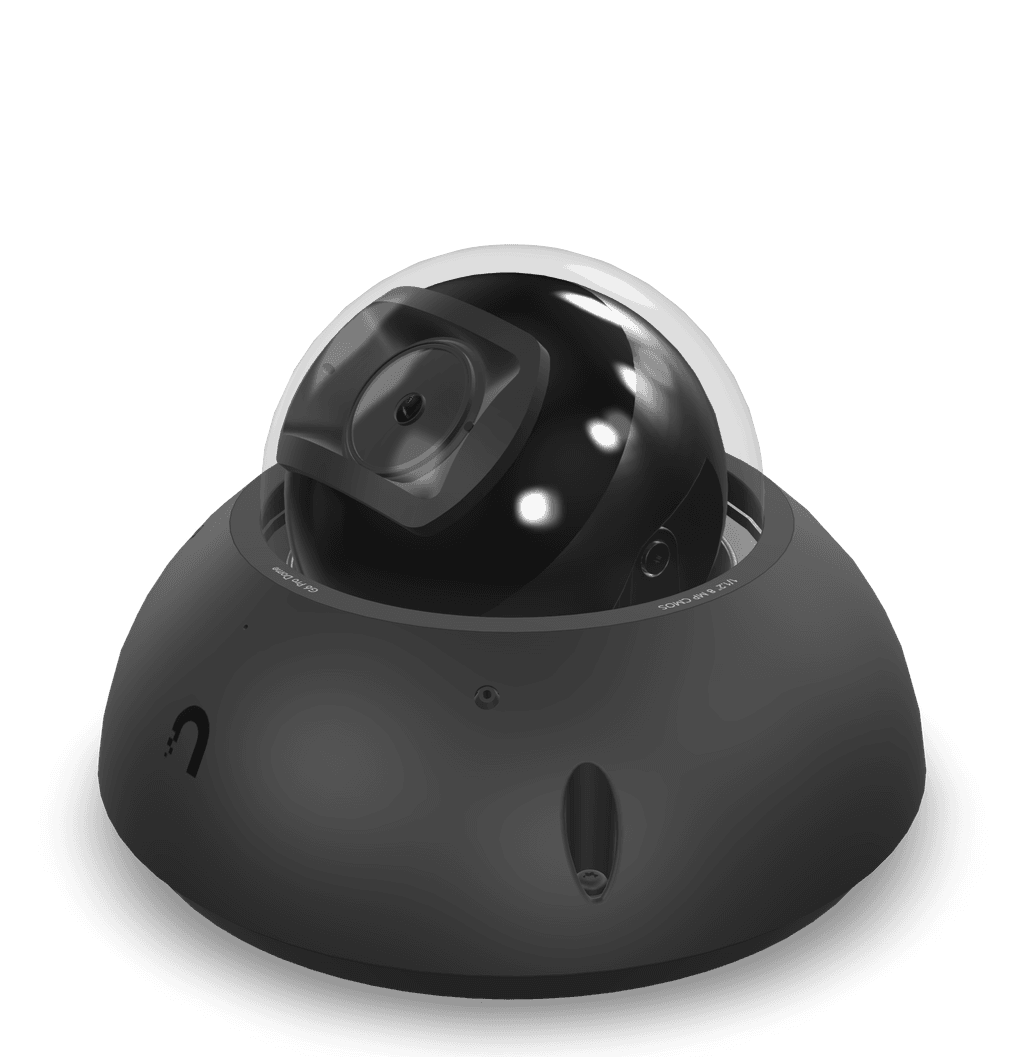
When the camera needs to take a hit — IK10-rated
vandal-proof dome with a large 1/1.2″ sensor and
2.36x optical zoom. Mount it on garages, carports, common
entries, anywhere it might be touched or tested.
When would I pick the Pro Dome over the Pro Turret?
Two reasons. First — the dome geometry is harder to tamper with and harder to aim a hand at, and it carries IK10 (the Pro Turret is IK04). If the camera is in a covered breezeway, common entry, garage door wall, or anywhere it’s reachable from the ground, the Pro Dome is the right call. Second — the dome housing sits flat against a ceiling, so it’s a cleaner look on porch ceilings and soffits. The Pro Turret is better when you need the camera to pivot on a pole or junction box; the Pro Dome is better when you need a hardened, low-profile install.
What does IK10 actually mean for my install?
IK10 is the highest impact rating in the IEC scale — the camera housing survives a 5 kg mass dropped from 40 cm onto its face. In practical terms: a baseball bat or a hammer swing won’t crack the dome. We use the Pro Dome in spots where the camera might be tested by intent — rental properties, retail-adjacent storefronts, ground-level garage corners, multi-family common areas. The IK04 cameras are fine if the camera is out of arm’s reach.
Can it work without a UniFi NVR?
No — like every UniFi Protect camera, it records to a UniFi recorder (Cloud Key, Dream Machine Pro, or UNVR). We size and install the right recorder as part of the system, so footage stays local on your property and you own it outright. No monthly fee.
How far does the zoom reach?
2.36x optical zoom (5.9–13.8 mm motorized lens), same as the Pro Turret. In real numbers: from a typical eave mount 12–20 feet up, fully zoomed in, we can pull a readable plate or face at around 60–80 feet. We tune the focal length during install for the specific scene each camera is covering, so the result depends on geometry as much as the spec.
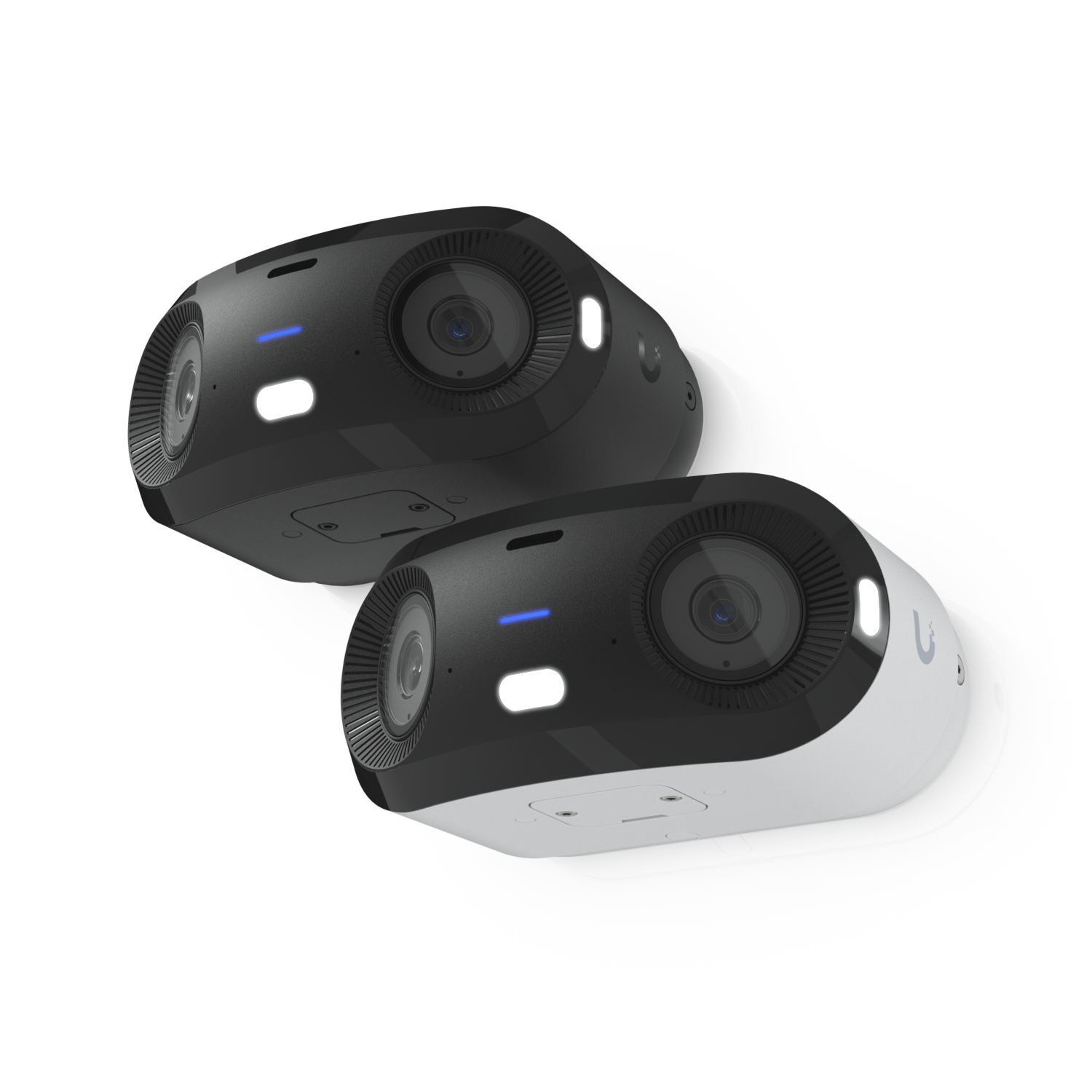
Two 8MP sensors stitched into a single 180° panoramic
feed — covers your whole driveway, side yard, or long
porch with one mount and one cable. Replaces two fixed
cameras.
Three situations. Wide driveways and front yards where two fixed cameras would meet in the middle and double-trigger AI alerts on the same person. Long porches and pool decks where you want one continuous view, not a stitched view from the app. And corner mounting positions — a single 180° camera covers everything from one side of the corner to the other without a blind seam. You save a cable run, a PoE port, and a license-plate-detection event on every pass.
Is it really one feed — or two stitched together?
Both, depending on how you look at it. Inside the camera, two 8MP sensors capture overlapping fields and the camera hardware stitches them into a single 7680 × 2160 image before it ever leaves the device. In the UniFi Protect app you see one feed. The recorder stores one feed. AI detections run across the stitched feed, so a person walking from one half of the FOV to the other is tracked as a single event, not two.
Where should I mount it?
Best results: 8–14 feet up, aimed at the area you want covered, with the long axis of the camera horizontal. Soffit corners and long fascia runs are ideal. Avoid mounting it too high — the vertical FOV is only 56.7°, so a 20-foot install will lose the ground close to the wall. We pick the position during the install walk-through.
What’s the night vision range limitation?
65 ft (20 m) IR — shorter than the Pro Turret’s 131 ft. That’s because the wide FOV spreads the IR illumination across a much larger arc. In practice: it’s great for porches, driveways, and side yards under 65 feet deep. For long driveways or property edges, pair the 180 (close-in coverage) with a Pro Turret (reach down the drive). They cover each other’s blind spots.
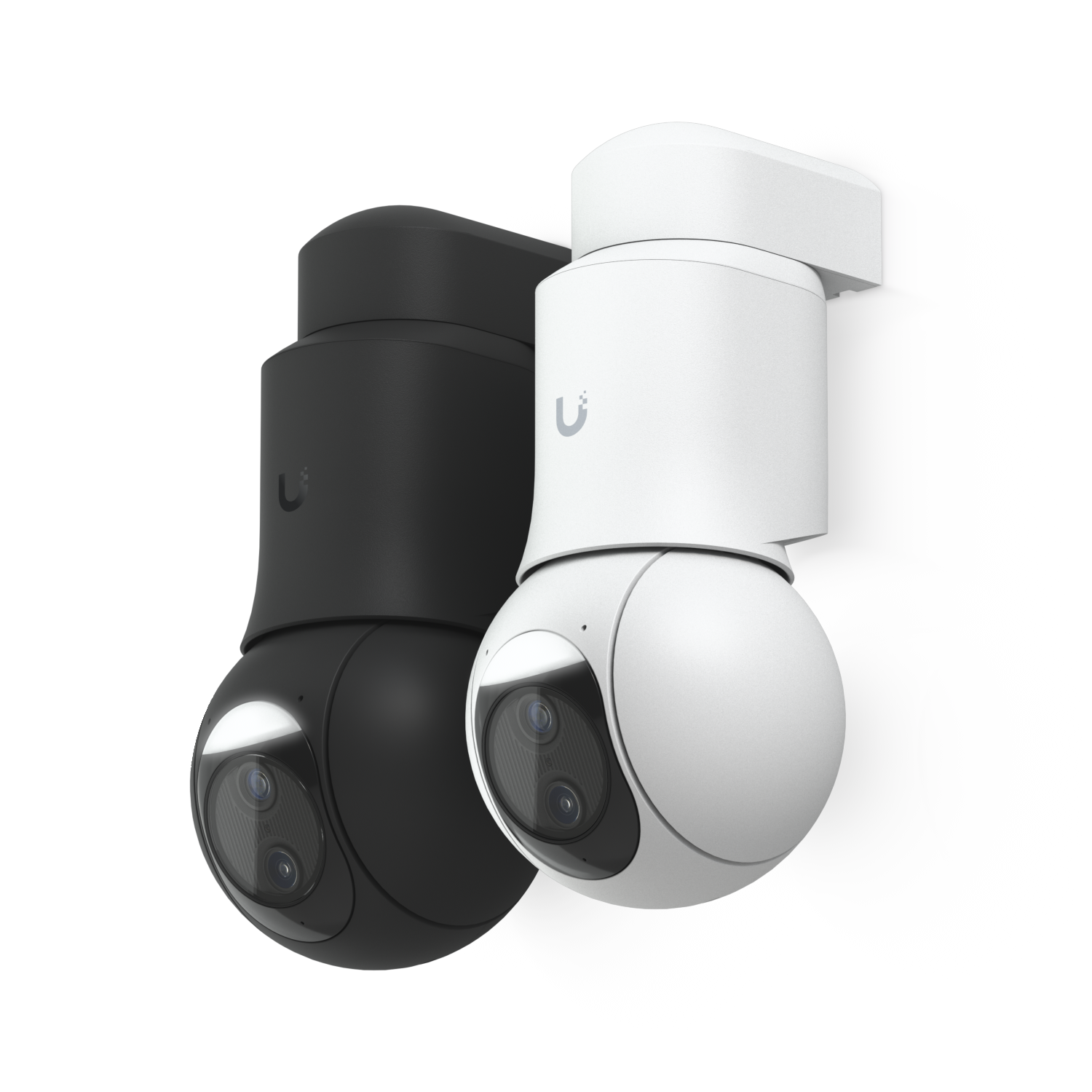
A 4K PTZ that pans 350°, tilts 100°, and zooms 10x.
Auto-tracking lets it follow a person or vehicle across
the property — one camera doing the work of three
or four fixed cameras.
Where does a PTZ make more sense than fixed cameras?
Large open areas with one good vantage point — a roof corner overlooking a long driveway and the front yard, a pole at the back of the property covering the pool and side yards, a single elevated mount on a multi-acre lot. The PTZ can patrol preset positions on a schedule, then auto-track when AI sees a person or vehicle. Three or four fixed cameras would cover the same area, but they each need a cable run, and they each fire alerts on the same event. The PTZ collapses that into one feed and one alert.
Does it need a special PoE switch?
Yes — PoE+ (802.3at), not standard PoE (802.3af). The motors and dual sensors pull up to 24.5W, which standard PoE can’t deliver. If you have a UniFi PoE+ switch (most of the Pro / Enterprise line) or the UNVR Pro recorder, you’re already covered. Otherwise we add a PoE+ injector at the switch end during install — small box, no other changes needed.
Can it track multiple people at once?
It can only physically point at one subject at a time. When auto-tracking is active and multiple subjects appear, the camera follows the closest / largest subject and the AI keeps tagging the others in the wide-lens feed. Some installs run it the other way around — PTZ on a fixed preset schedule, with a separate fixed camera doing detection. We tune the behavior to the property during install.
What’s the difference between this and the G6 180?
The 180 is a static wide camera — great vertical detail across 180 degrees at a fixed zoom level, mounted close to the area you care about. The PTZ is a single high-zoom camera that physically aims itself — great when the area is too big to cover statically and you need the ability to read a face or plate 100+ feet away. The 180 is also passive and cheaper to install. The PTZ is more powerful but needs more setup, a PoE+ port, and a thoughtful mounting position.
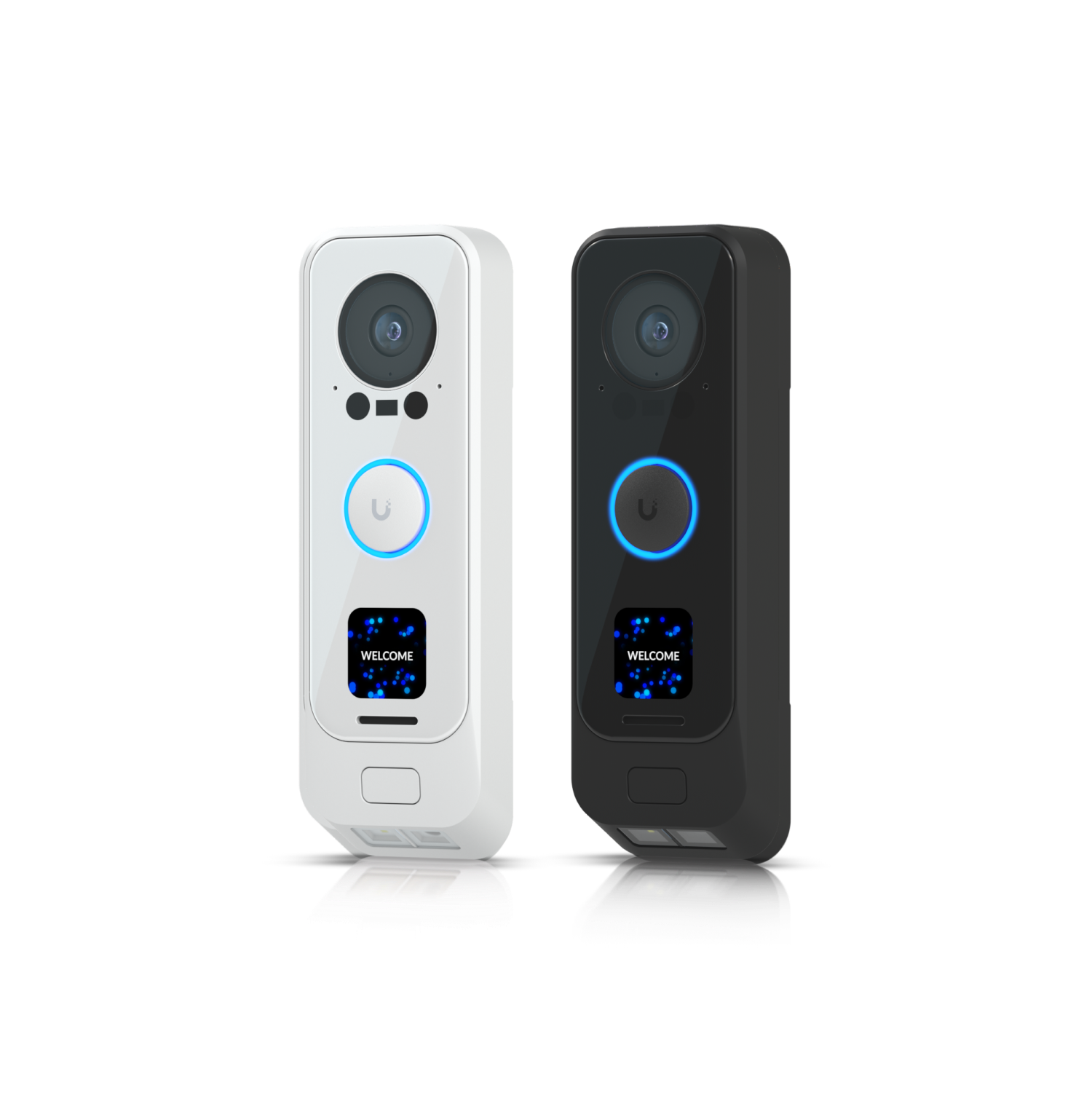
The second lens is aimed straight down at your porch — so when a delivery driver sets a box at your feet, you actually see it. The main lens is too high to catch what’s on the ground; the package cam fills that blind spot.
Does it need an existing doorbell wire?
No. The G4 Doorbell Pro is PoE-powered, which is how we typically install it — one network cable to the doorbell location and you’re done. If your existing 24V doorbell wiring is in good shape we can use that instead.
Will it work with my existing chime?
Yes — both mechanical and digital chimes are supported. We test and configure it during install. There’s also a built-in speaker plus a UniFi Chime accessory if you want extra notification points around the house.
How does it integrate with smart locks?
Through the UniFi Protect app and the UniFi Access platform (if installed). You can see who’s at the door, talk to them, and unlock a paired UniFi-compatible smart lock in the same app. Third-party HomeKit / Alexa integrations are also available via UniFi Connect.
Can visitors leave a message if I miss the ring?
Yes. The 1.5″ welcome screen displays a custom greeting and the doorbell supports voice-message recording when nobody picks up — saved to your NVR alongside the video.
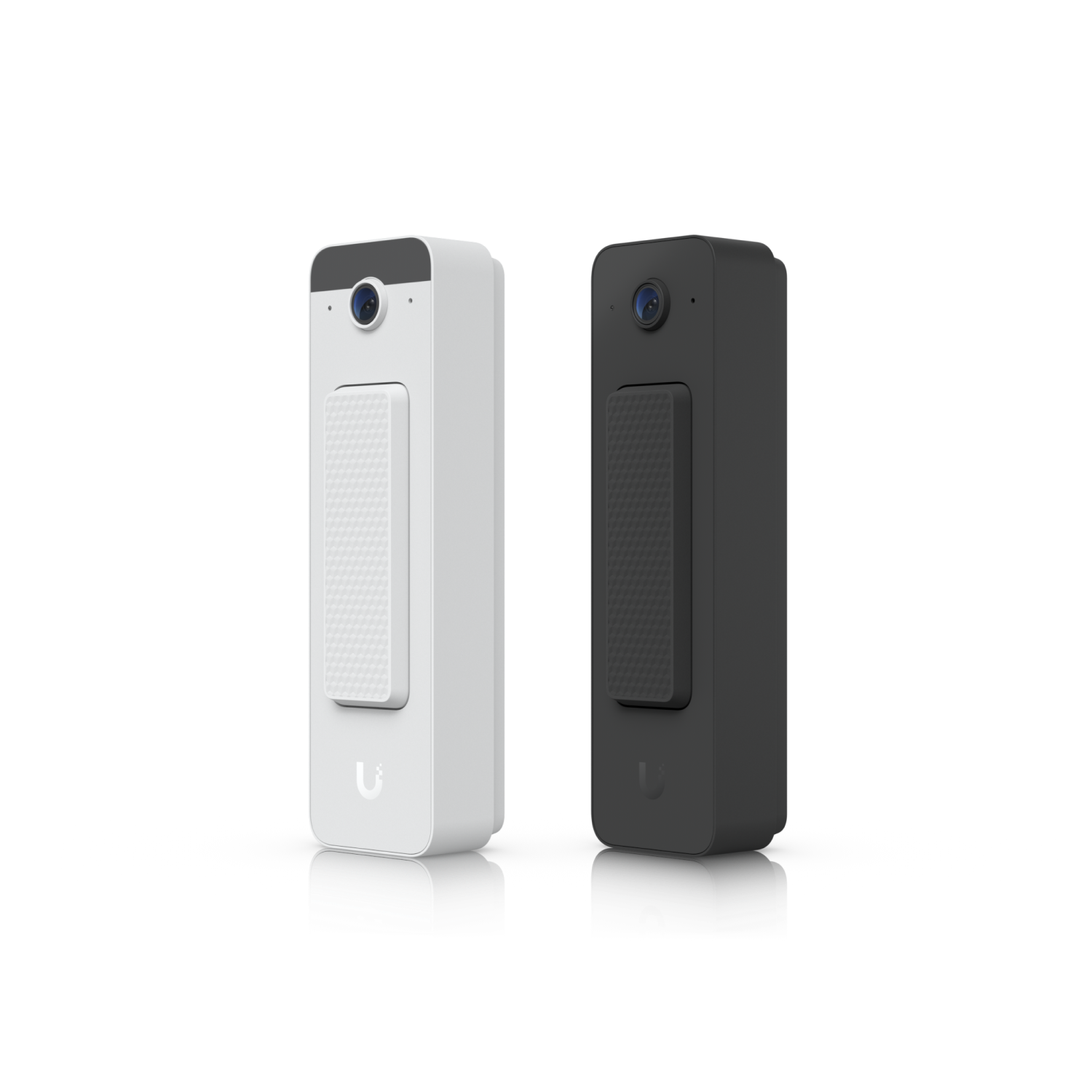
The Doorbell Lite is a single-lens, slimmer doorbell with no front-facing display. The G4 Doorbell Pro adds a second downward-pointing package camera and a welcome screen. If you don’t need the package view or the display, the Lite delivers the same image quality in a smaller, cheaper form.
Does it require PoE, or can a plug-in adapter work?
PoE only. There’s no battery option and no 24V doorbell wiring support. We run a single Ethernet drop to the doorbell location during install — cleaner and more reliable than battery-powered alternatives.
Can I use it without a UniFi NVR?
No. Like every UniFi Protect camera, the Doorbell Lite records to a UniFi recorder on-site — a Cloud Key, Dream Machine, or NVR we install as part of the system. No cloud subscription, all footage local.
Will visitors hear a chime inside the house?
The doorbell itself plays a confirmation tone, and we add a UniFi Chime accessory (plugs into any outlet) so you get audible alerts inside. The UniFi mobile app also pushes a doorbell notification to your phone.
How weatherproof is it?
IPX5 rated — sealed against rain and direct water spray from any angle. It’s designed for typical exterior doorbell placement, including unprotected front doors.
We build systems where the recording happens locally, in your home,
on hardware you own. The cloud is an option — not a requirement.
No subscription required to view your own cameras.
Local recording on a dedicated NVR — not someone else’s server.
Encrypted remote viewing through your own network.
Cloud backup is opt-in and goes to encrypted storage you control.
No third-party AI training on your footage. Ever.
You keep your footage if you ever cancel service.
Find your camera
Find the right camera for your home.
Answer one or two quick questions — we’ll point you at the
camera that actually fits the spot you’re trying to cover.