U7 Pro
WiFi 7 Done Right.
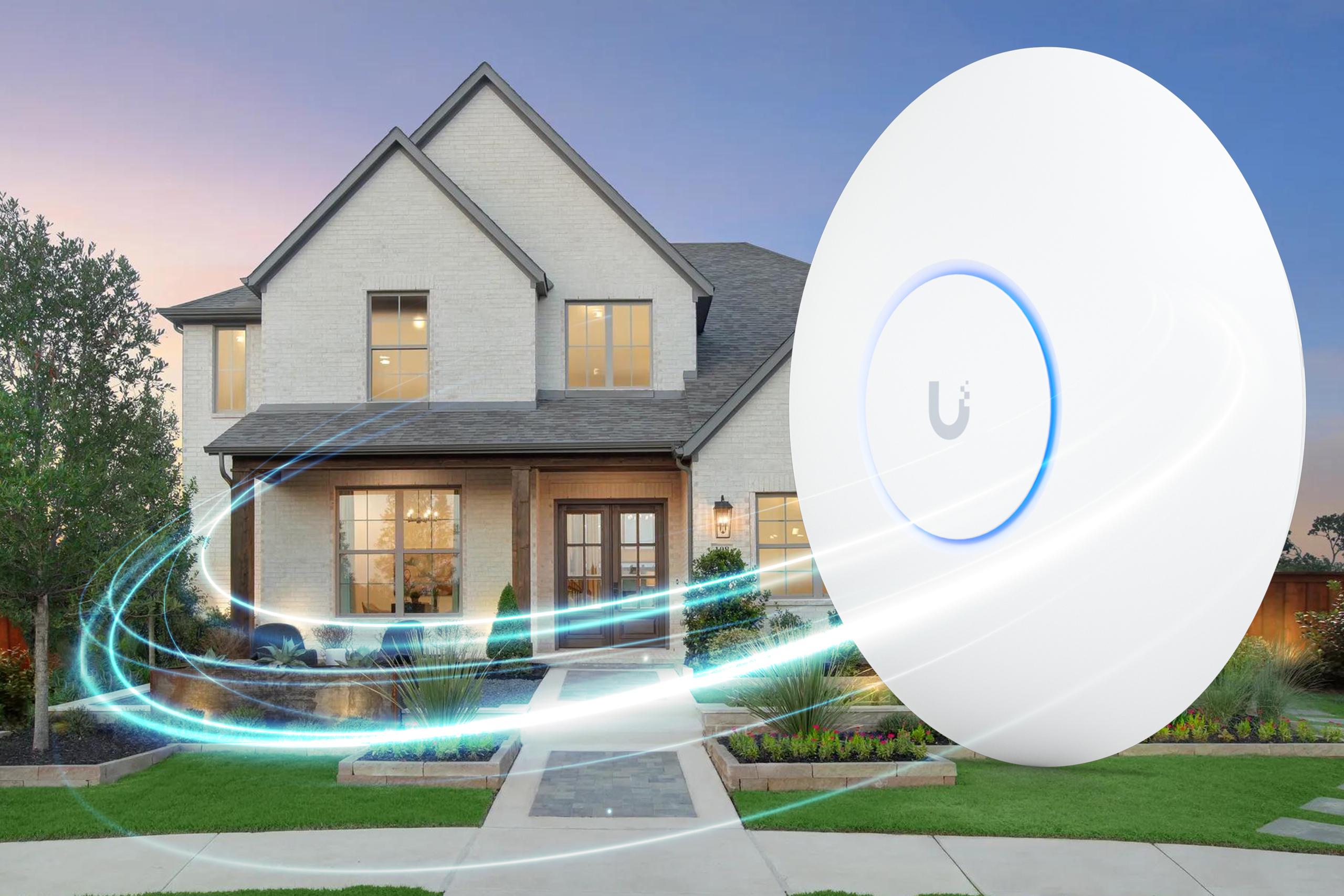
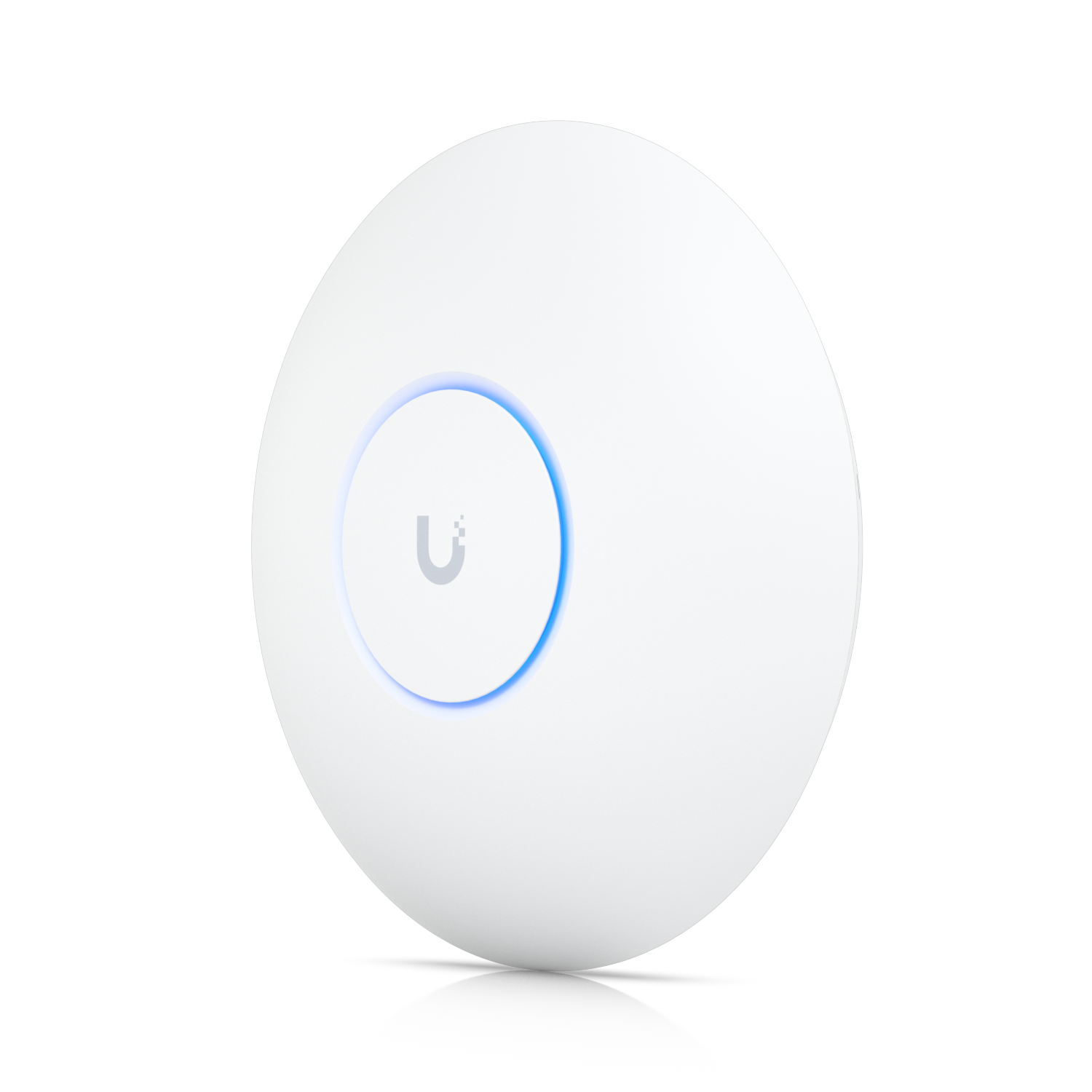
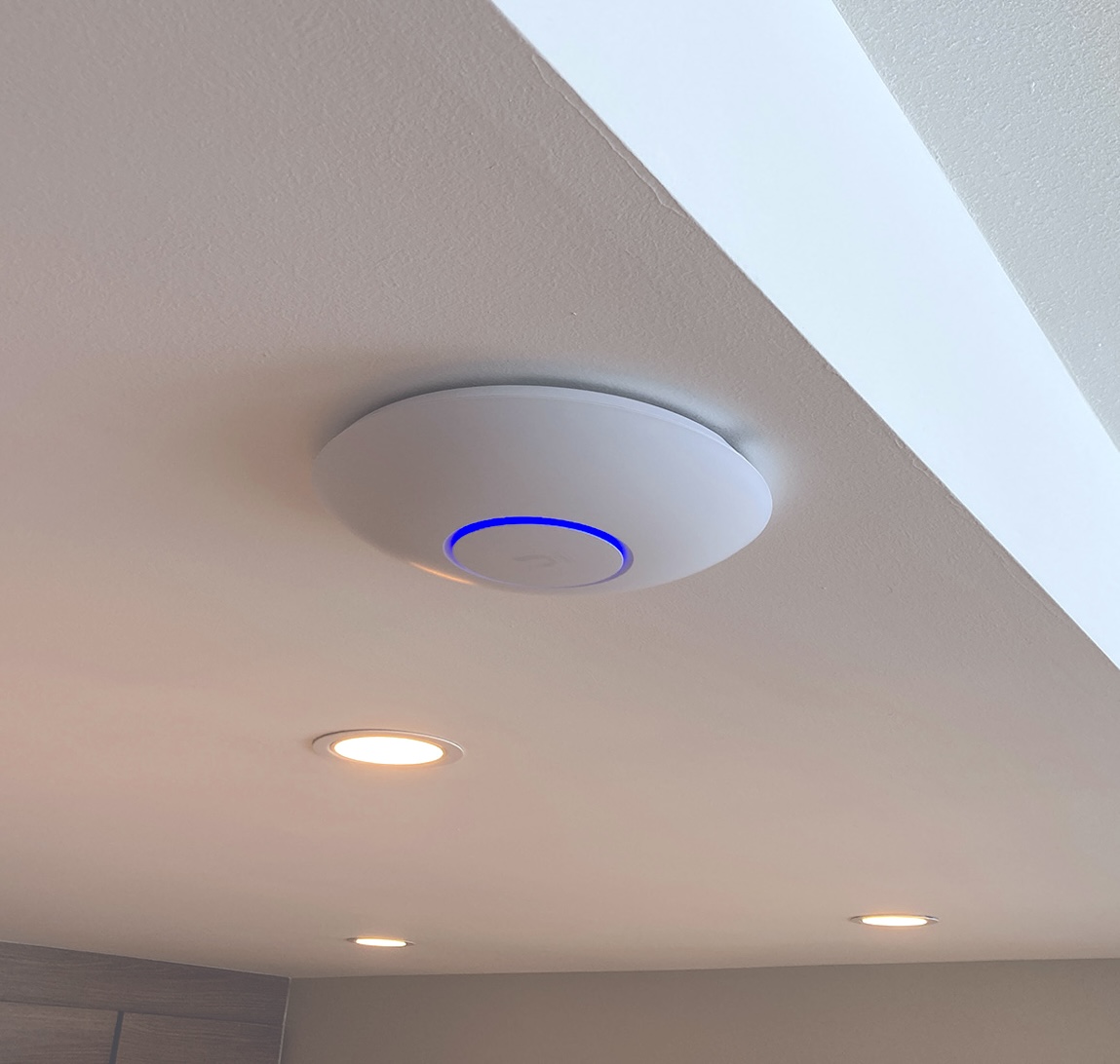
A ceiling-mount access point built around WiFi 7 and the new 6 GHz band — the same lane your newest phones, laptops, and VR headsets already know how to use, with almost nothing else fighting for it.
- WiFi 7 (802.11be)
- Tri-band 2.4 / 5 / 6 GHz
- Up to 5.8 Gbps on 6 GHz
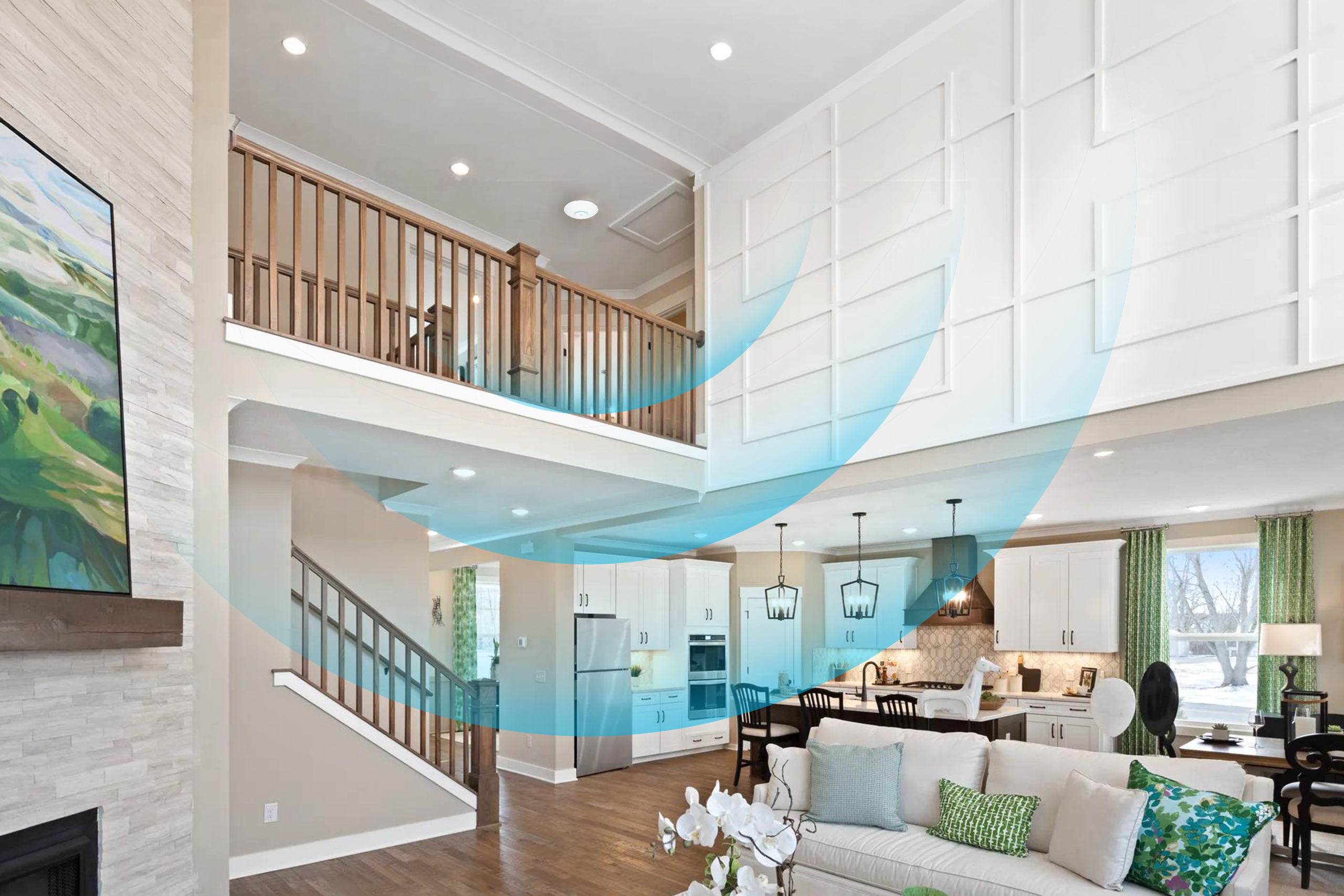
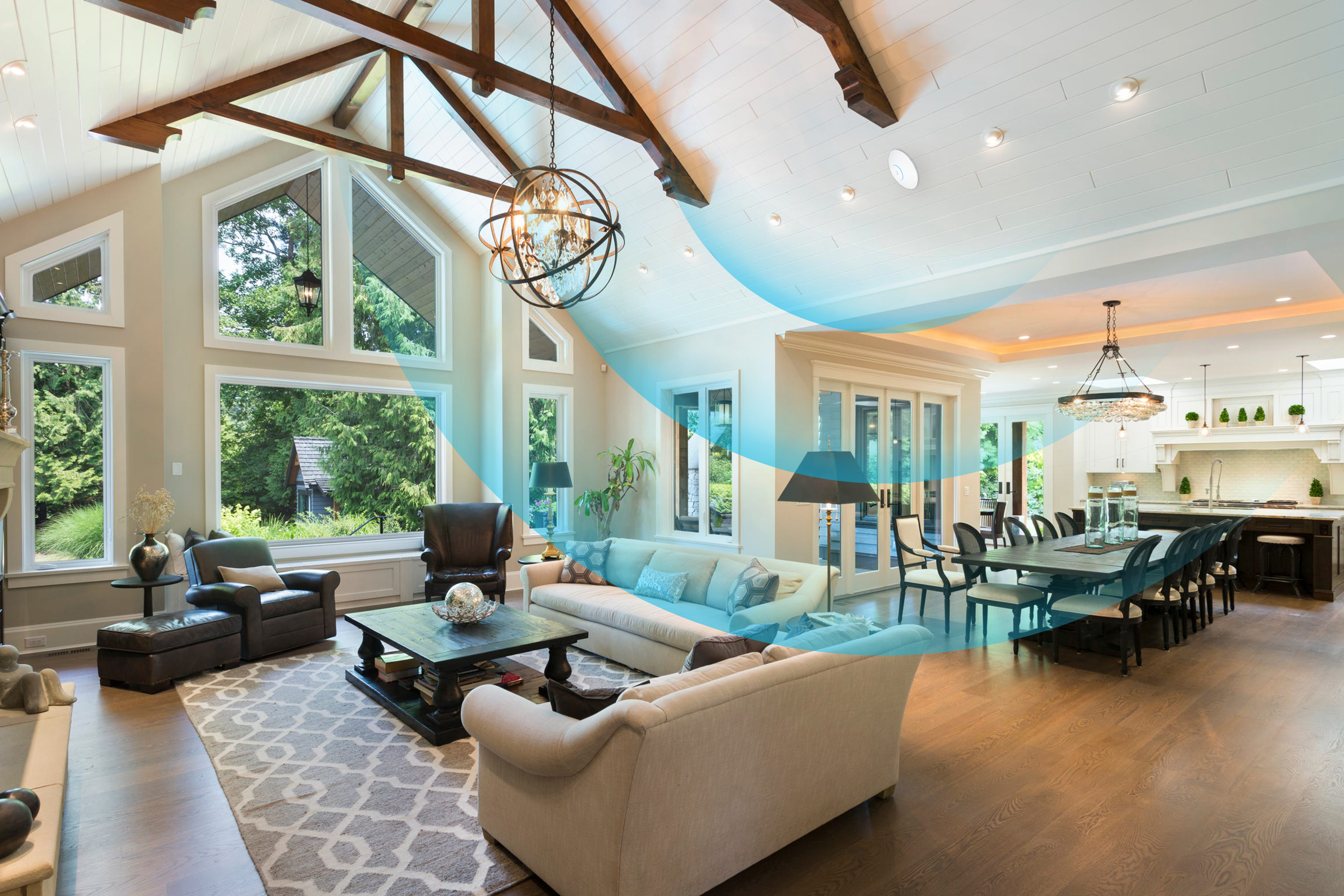
- 1,500 sq ft coverage
- 300+ concurrent devices
- PoE+ powered
- StandardWiFi 7 (802.11be)
- RadiosTri-band 2.4 / 5 / 6 GHz
- Spatial Streams2×2 on each band (6 total)
- Max ThroughputUp to 5.8 Gbps on 6 GHz
- Concurrent Clients300+
- Coverage140 m² (1,500 ft²)
- Uplink2.5 GbE
- Power MethodPoE+ (802.3at)
- Power Consumption17 W max
- MountingCeiling or wall (mount included)
- Dimensions8.1″ (206 mm) diameter, 1.4″ thick
- Weight670 g (1.48 lb)
- Operating Temp-10° to 50°C (14° to 122°F)
- Operating Humidity5 to 95% noncondensing
- CertificationsFCC, IC, CE
-
Do I need WiFi 7 devices to benefit?
No. The U7 Pro is fully backward-compatible with WiFi 6, WiFi 5, and older devices — they just connect on 2.4 or 5 GHz the way they always have. WiFi 7 devices get the new 6 GHz lane to themselves.
-
Will it replace my router?
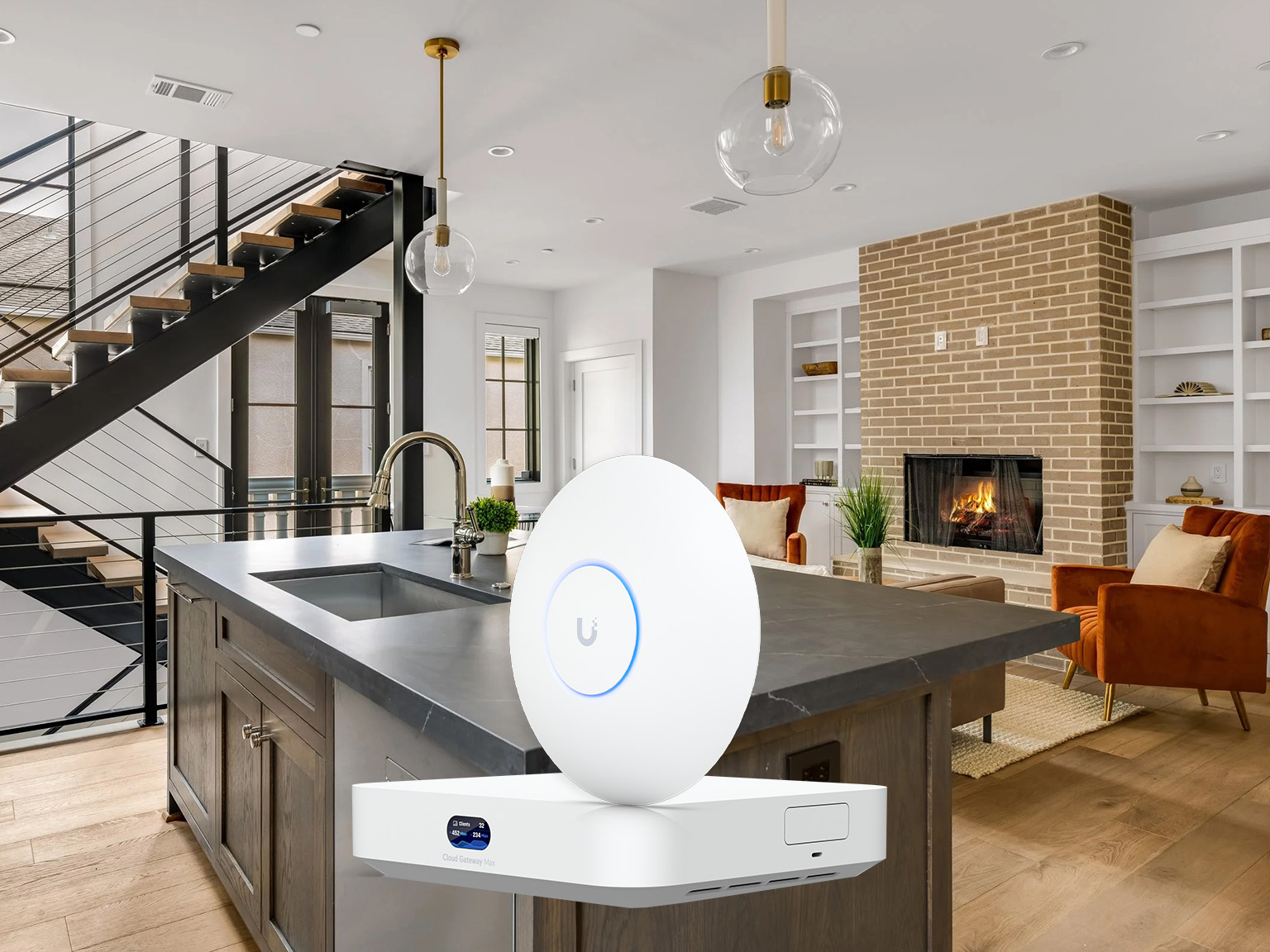
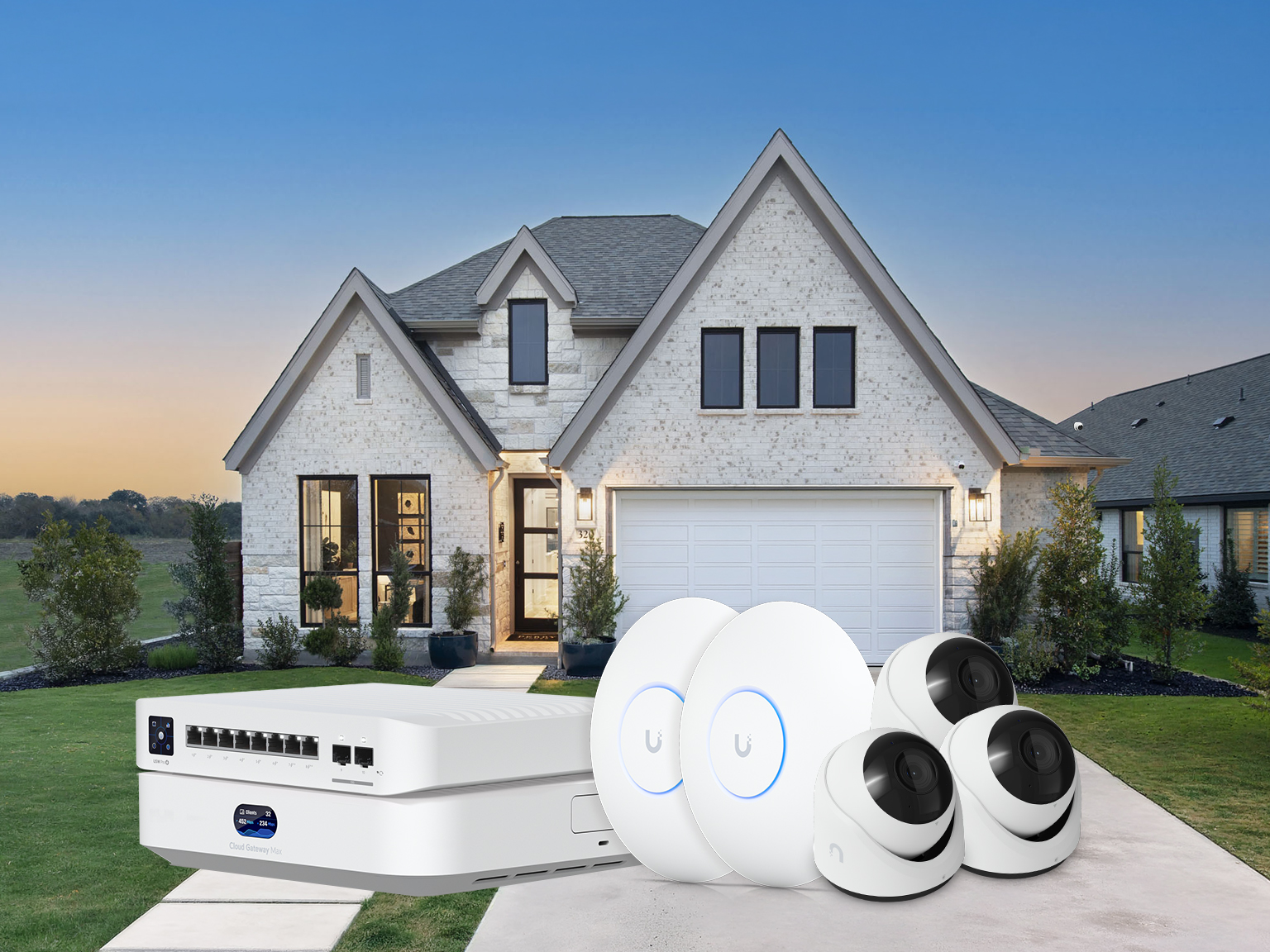
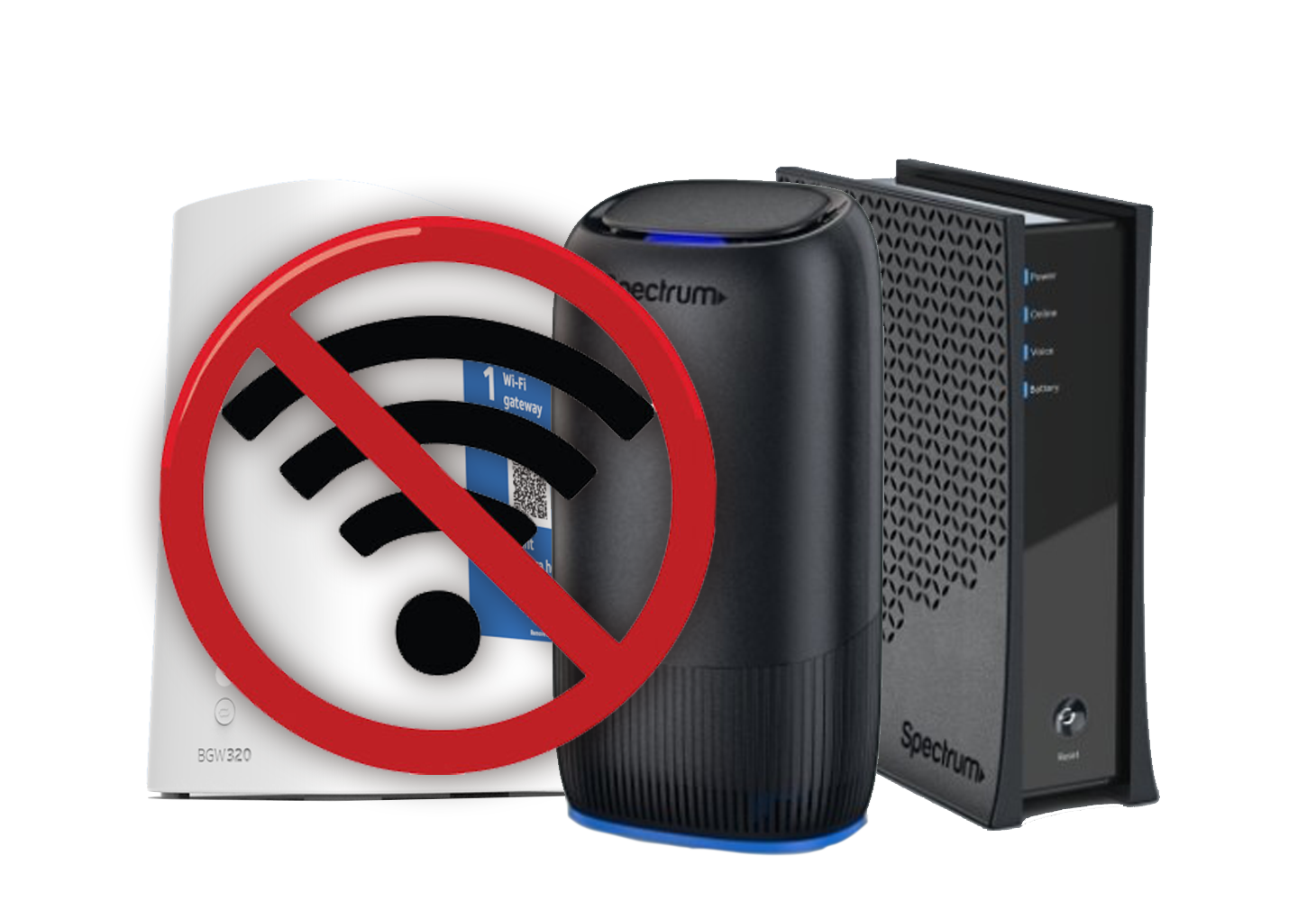
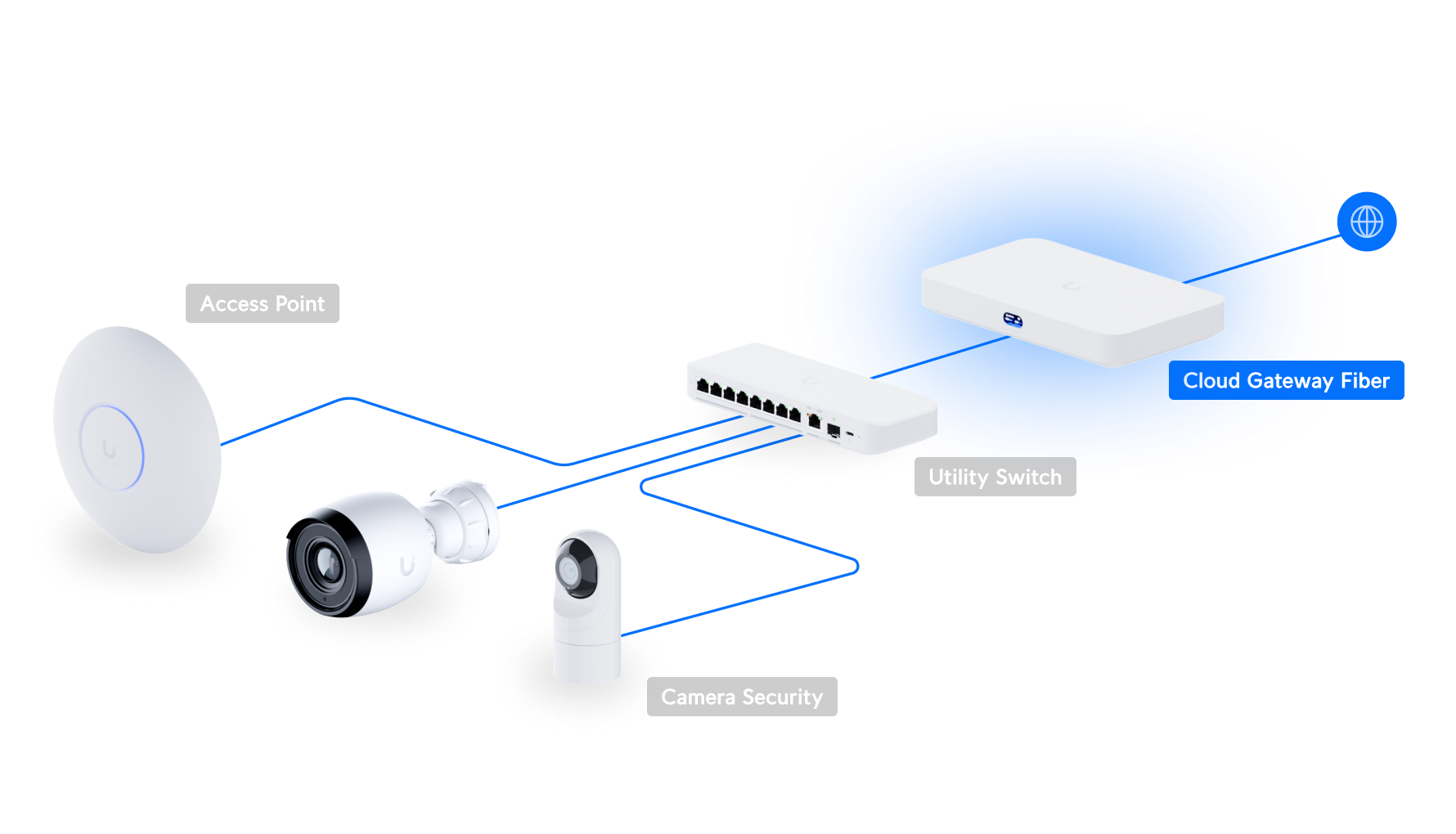
No. The U7 Pro is an access point, not a router. We pair it with a UniFi gateway (or use your existing one) so you get a real firewall, VLANs, and a controller for the whole network.
-
How many do I need for my house?
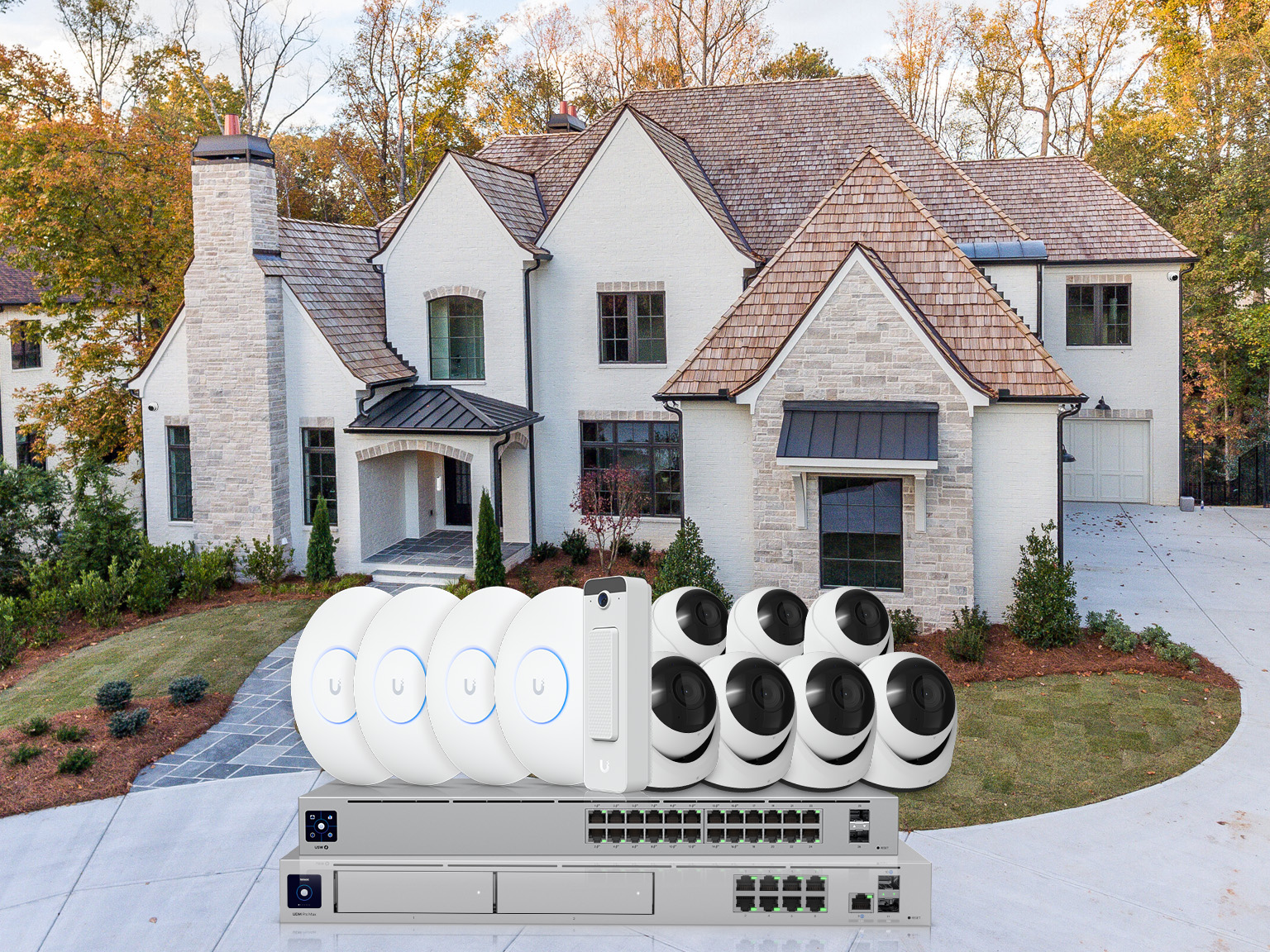
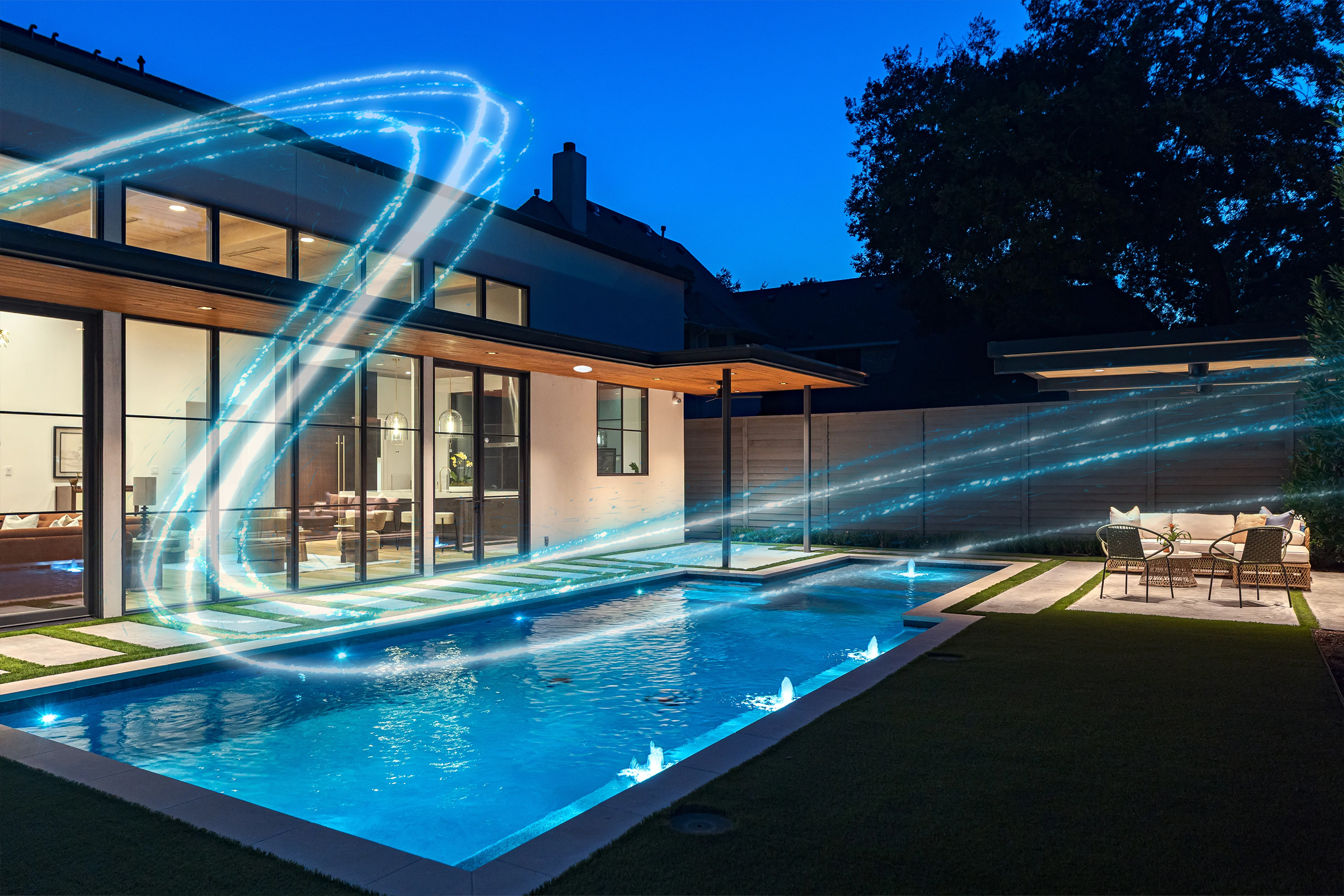
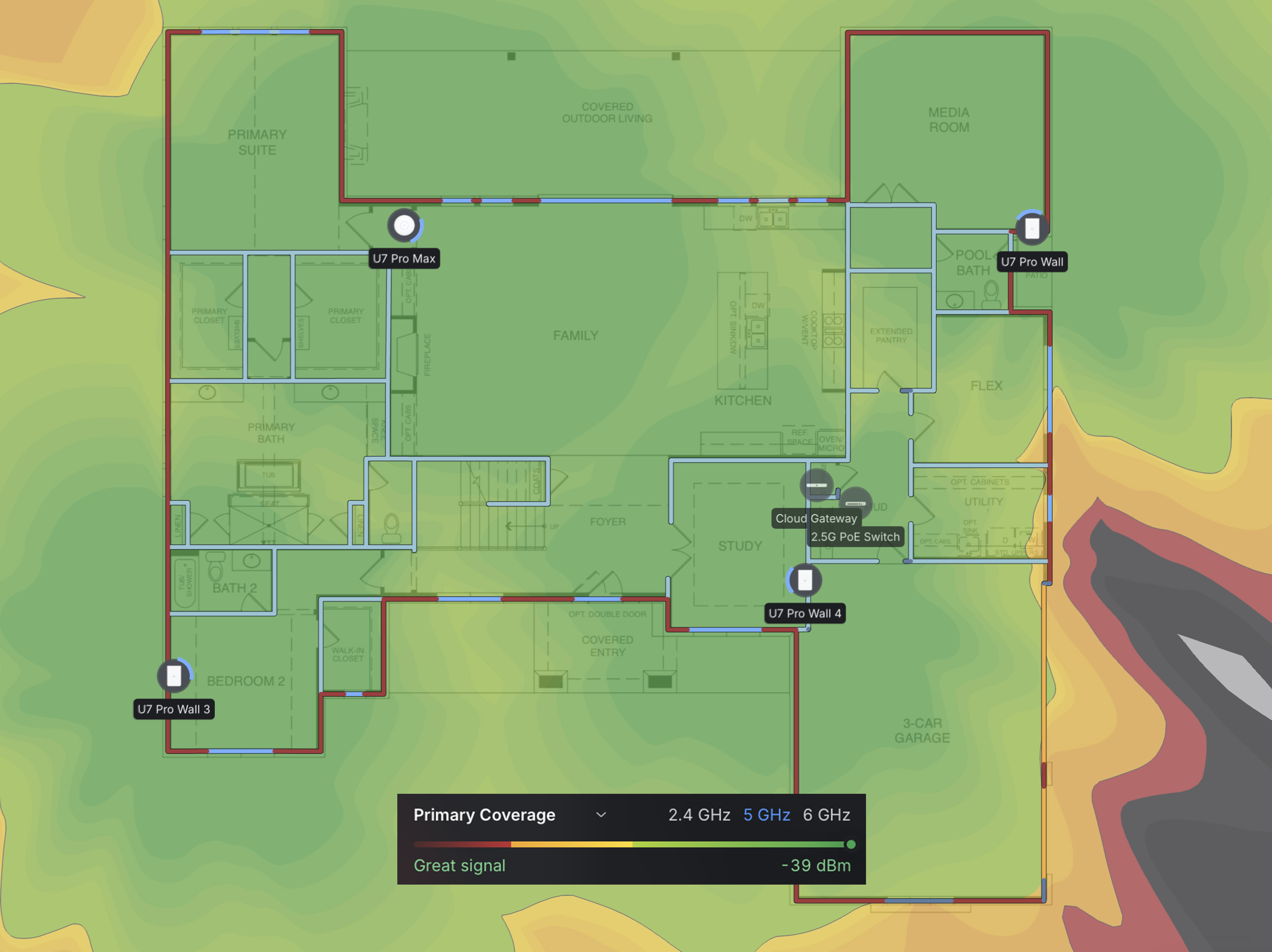
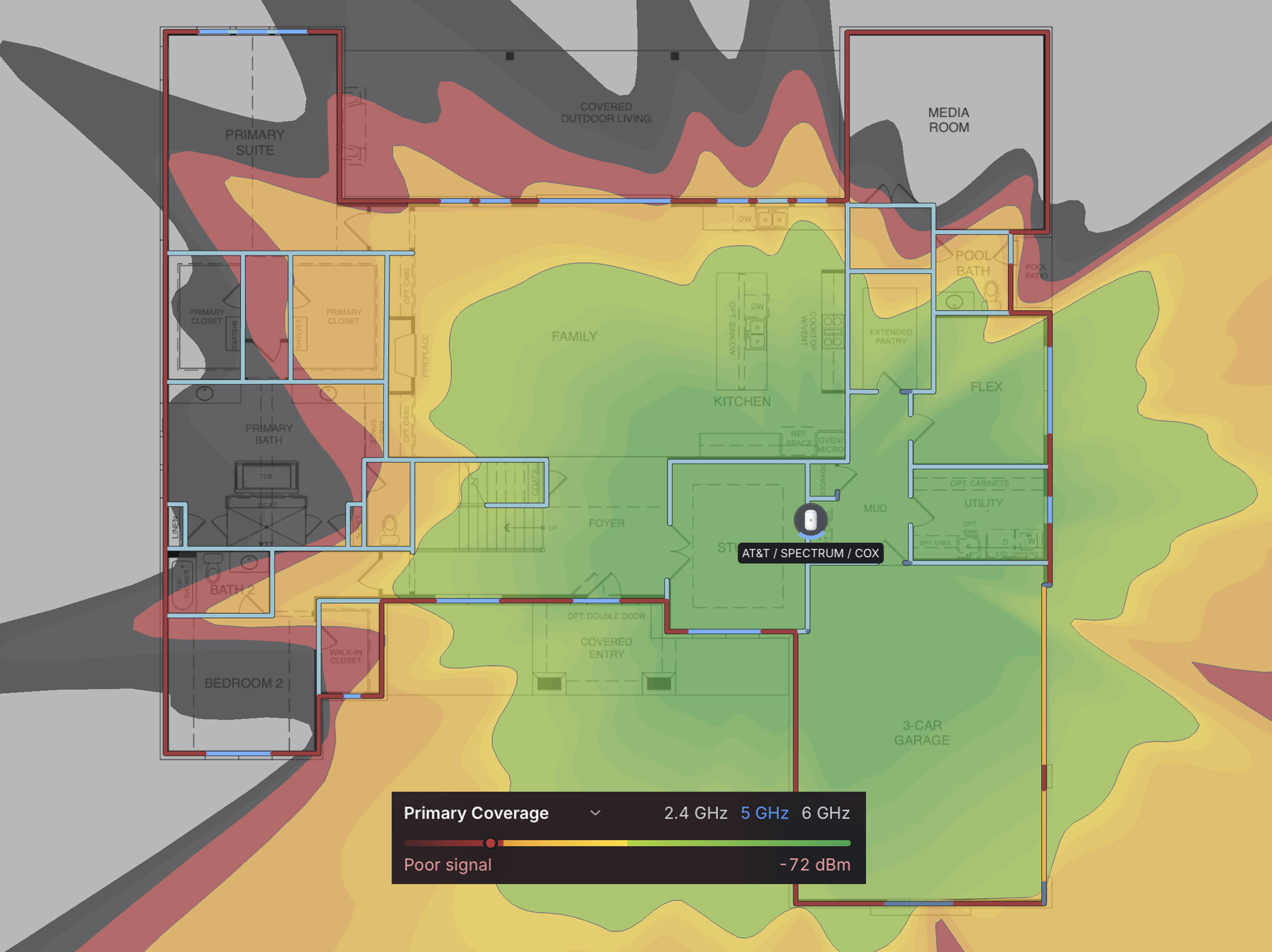
One U7 Pro covers most homes up to ~1,500 sq ft. For larger or multi-story homes we map your floorplan first and place 2–4 APs where the signal is actually needed — usually one per floor plus an outdoor unit for the patio.
-
Does it support 6 GHz everywhere in the house?
6 GHz is shorter-range than 5 GHz by design — faster but it doesn’t punch through walls as well. We plan AP placement so 6 GHz reaches the rooms that need it most (offices, media rooms) and 5 GHz fills the rest.
-
Do I need a UniFi gateway or controller subscription?
A controller is required, but there’s no subscription — it runs locally on a UniFi gateway or Cloud Key we install once. You own everything outright.